
Guides
Every guide for Nebula Touch in one place, written from the public listing and tested on real phones.
Guide Nebula Touch Beginner Setup: Your First Profile in 10 Minutes Setting up Nebula Touch the first time takes ten careful minutes. This guide walks through permissions, your first game, and your first profile. 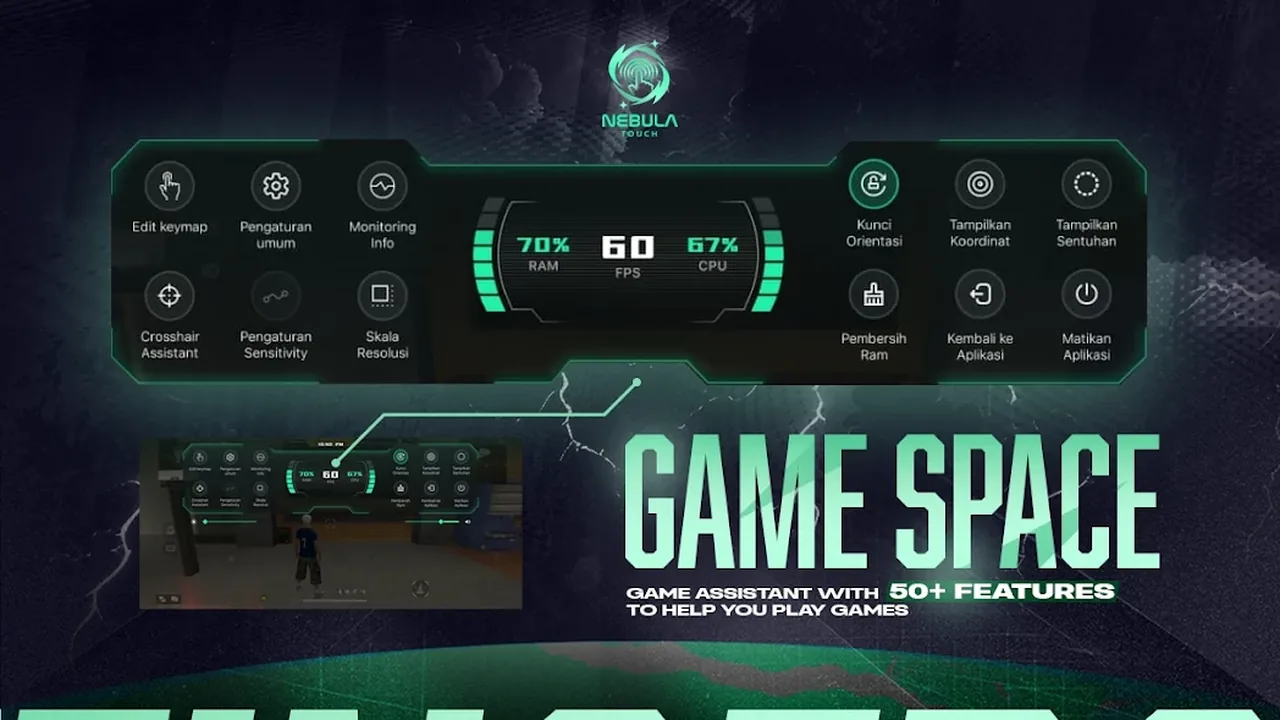 Guide Nebula Touch Sensitivity Guide: X and Y Scaling Explained Independent X and Y sensitivity is the core of Nebula Touch. This guide explains what each axis does and how to tune both.
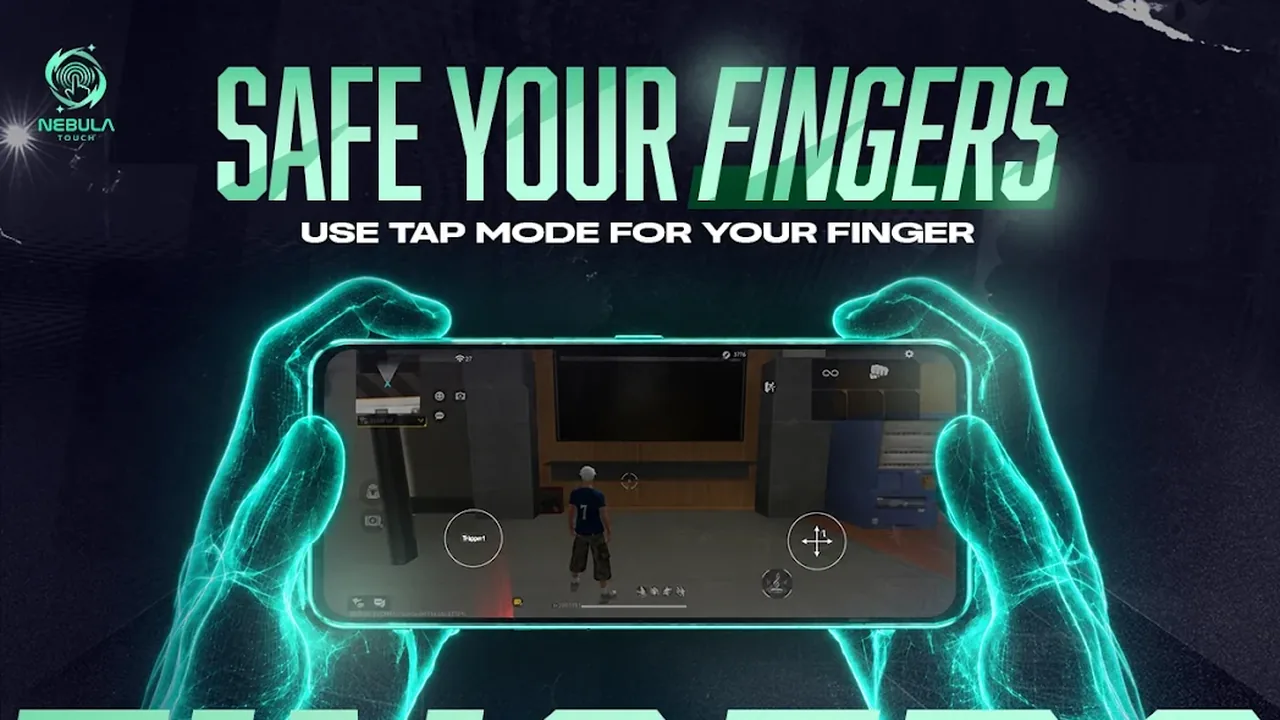 Guide Nebula Touch Profiles: Save, Export, and Import Your Setup Profiles are how Nebula Touch remembers your aim for each game. This guide covers creating, exporting, and importing them.
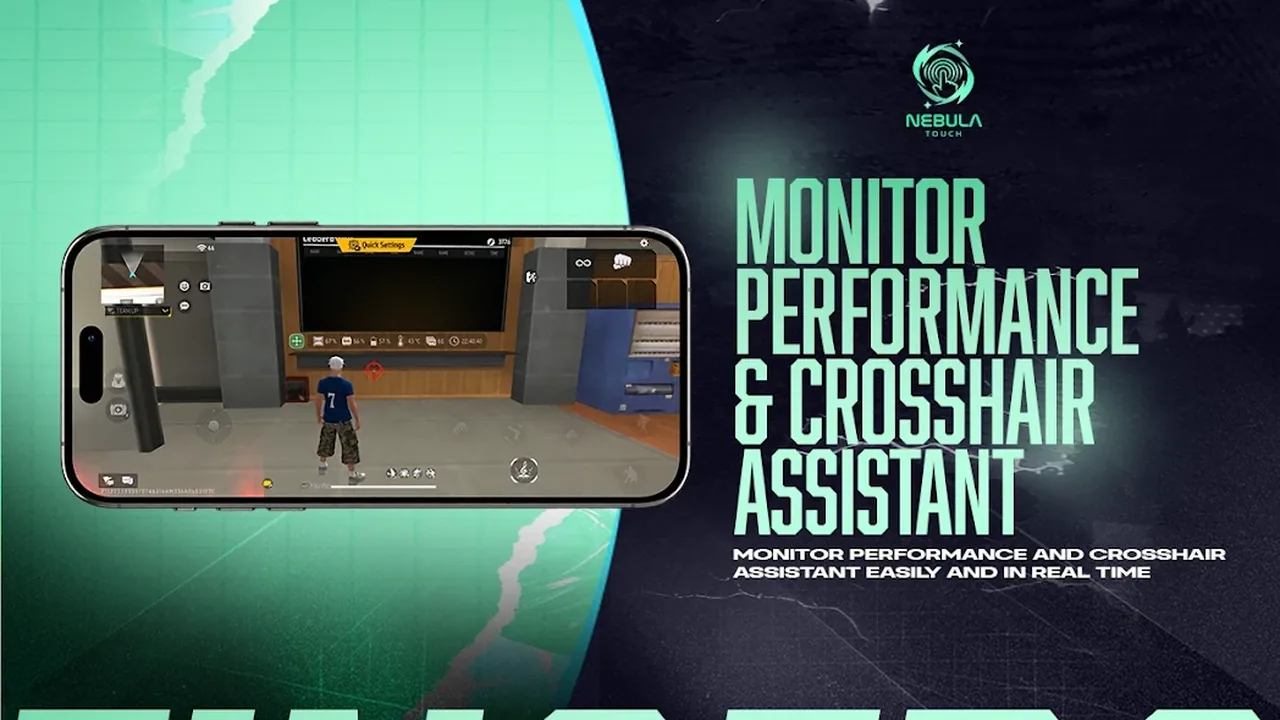
 Guide Nebula Touch Crosshair Assistant: A Consistent Aim Point The crosshair assistant in Nebula Touch keeps your aim point consistent across games. This guide covers setup, size, and when it helps most.
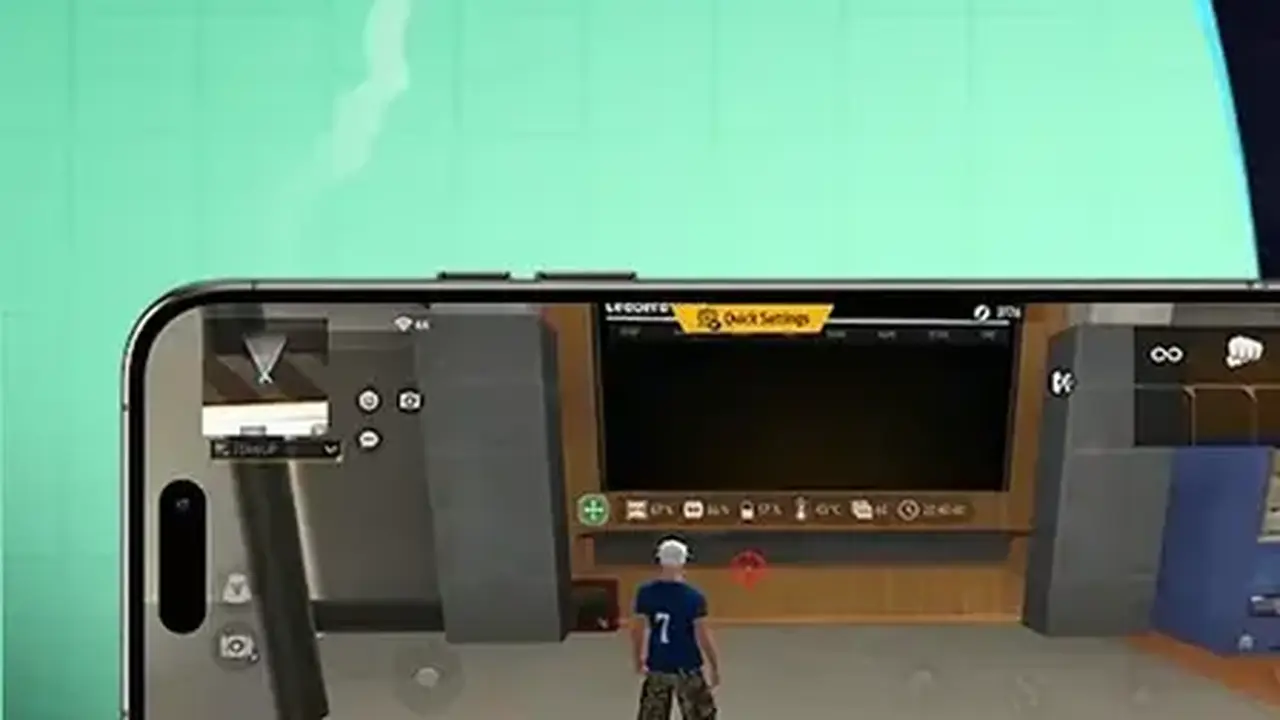
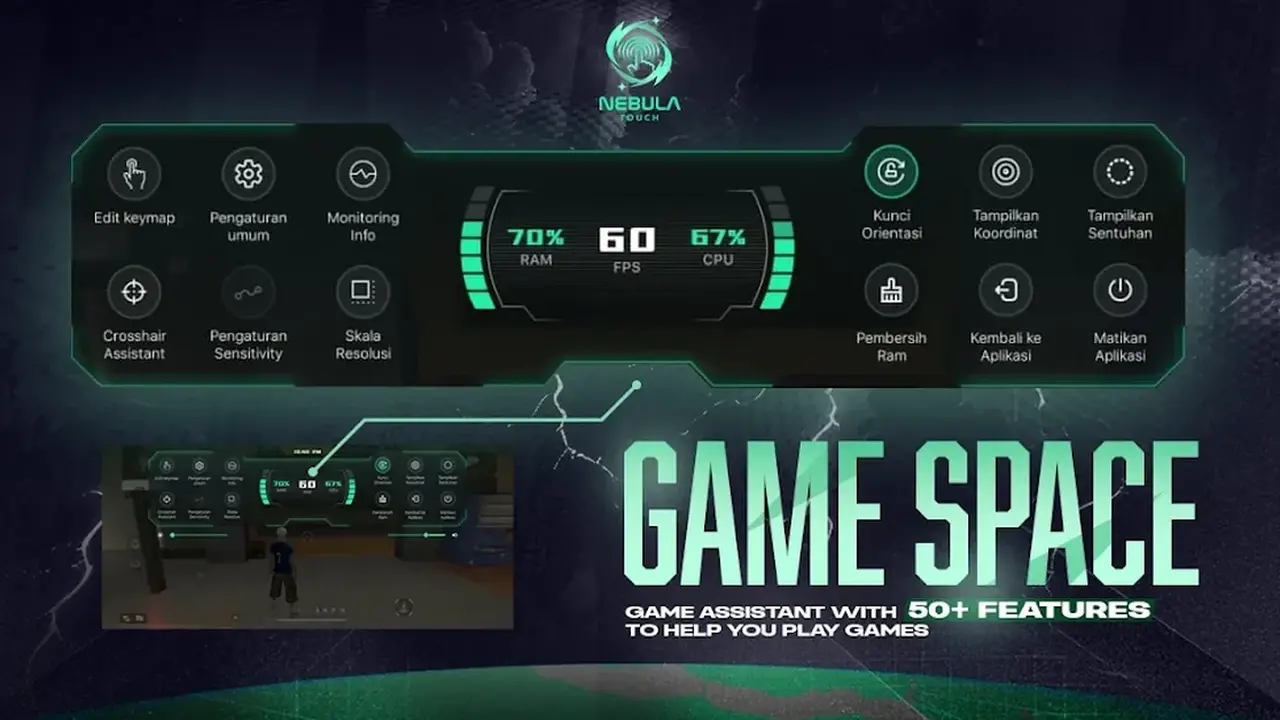
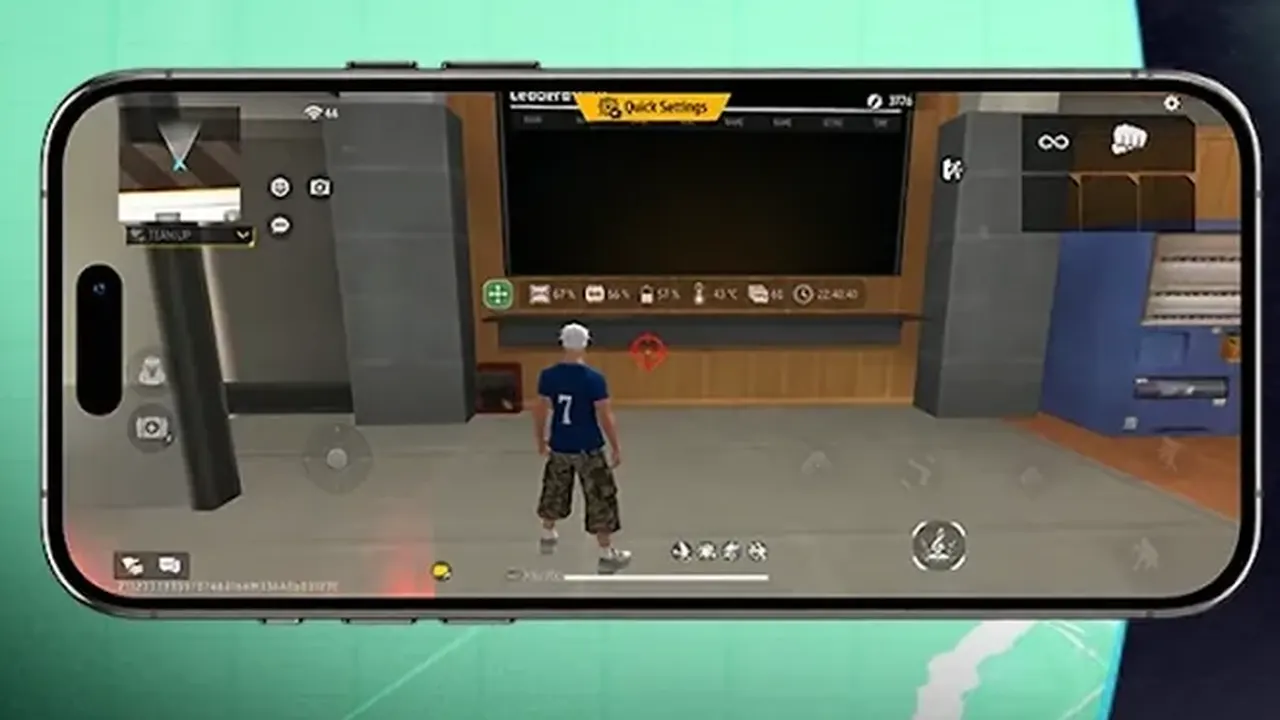 Guide Nebula Touch Monitoring: FPS, Ping, and Temperature While You Play The monitoring panel in Nebula Touch shows FPS, ping, and temperature live. This guide explains each number and what to do about it.
 Guide Nebula Touch Macros: Record Once, Trigger With One Touch Macros in Nebula Touch turn a sequence of touches into one action. This guide covers recording, binding, and using them fairly.
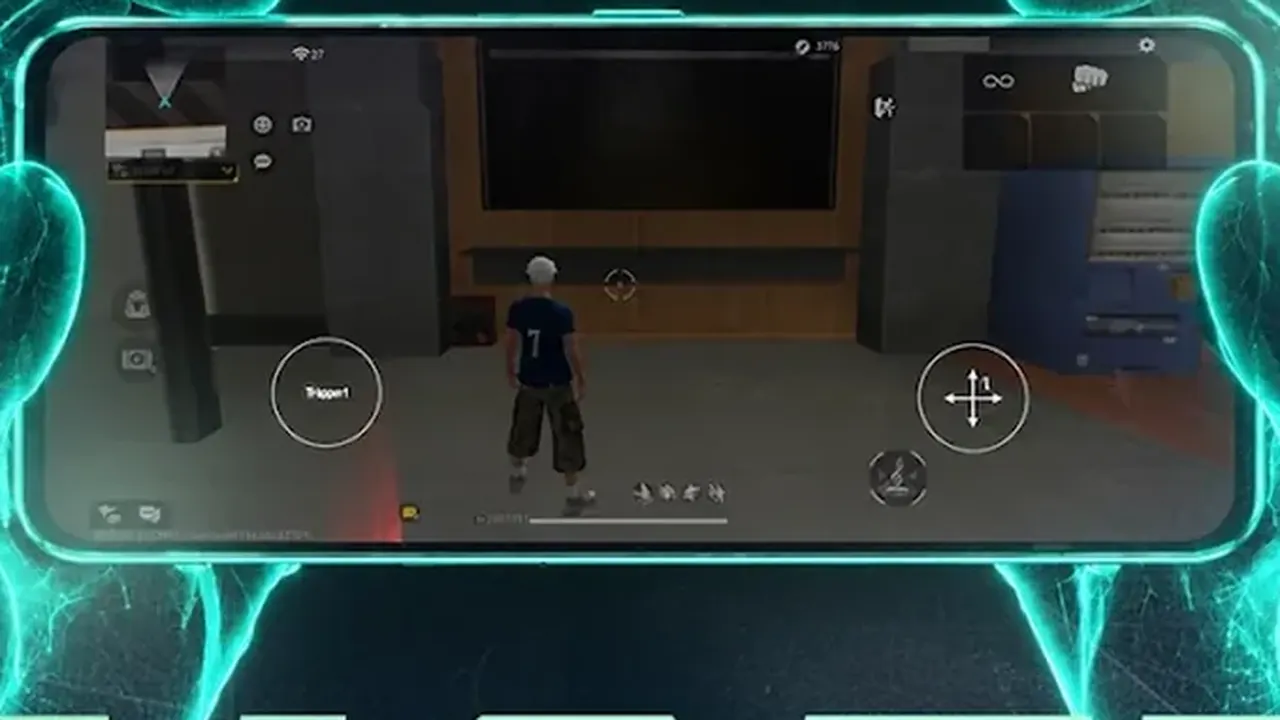 Guide Nebula Touch ADB and Shizuku Setup: Step by Step Some Nebula Touch features need ADB or Shizuku. This guide walks through the connection step by step, with no root required.
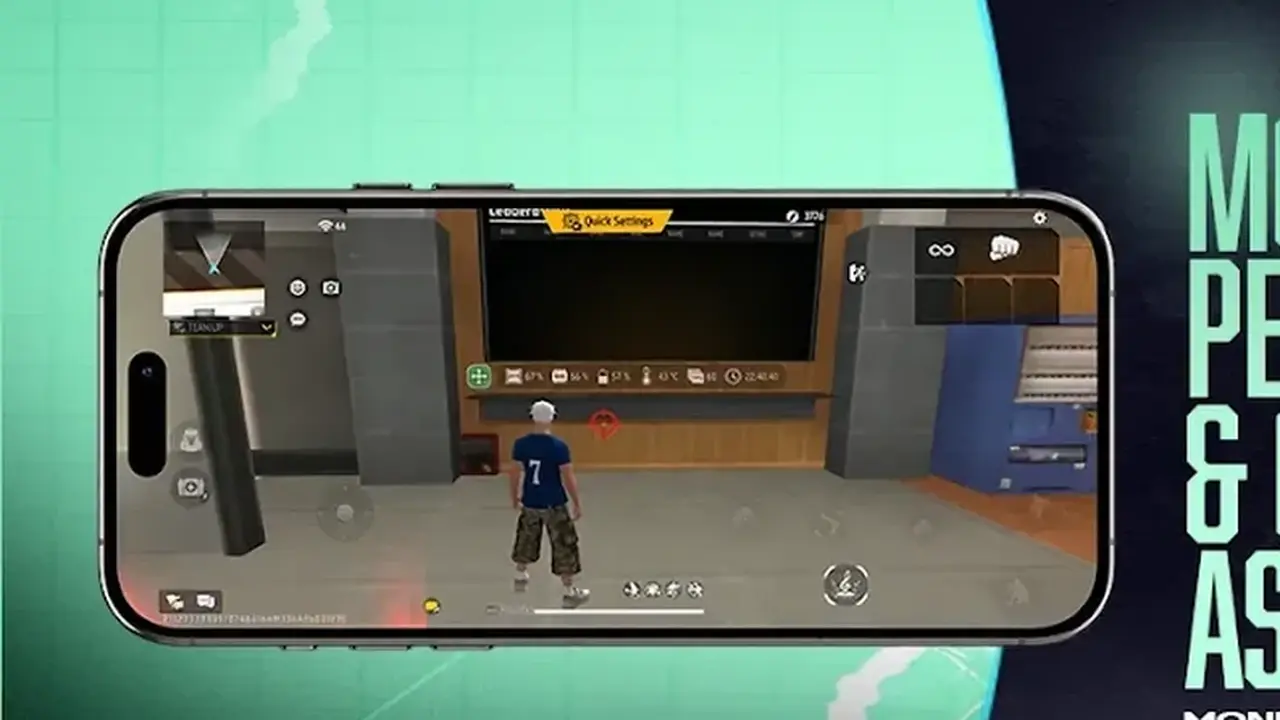 Guide Nebula Touch Without Root: What Works and What Needs More Nebula Touch works without root. This guide explains what the no root design means, what works out of the box, and what ADB adds.
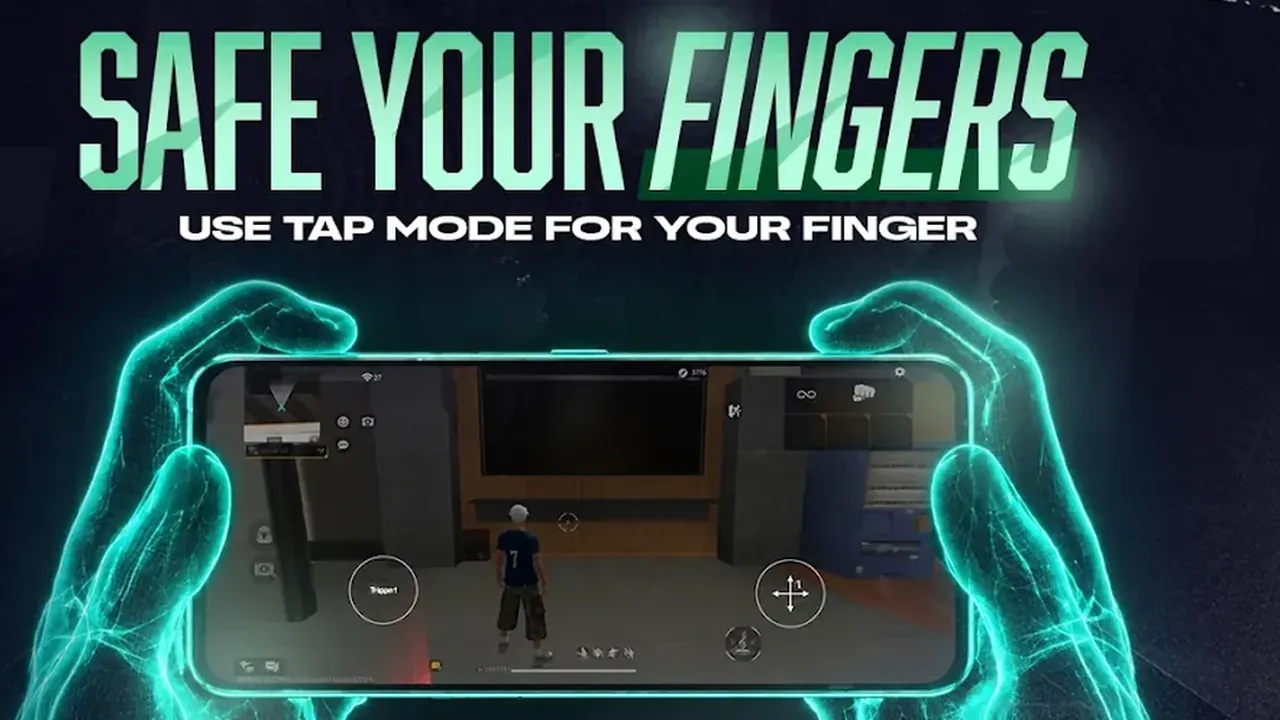 Guide Nebula Touch Credits and VIP: How the Credit System Works Nebula Touch uses a credit system for advanced features, with VIP sensitivity points. This guide explains what credits do and what is free.
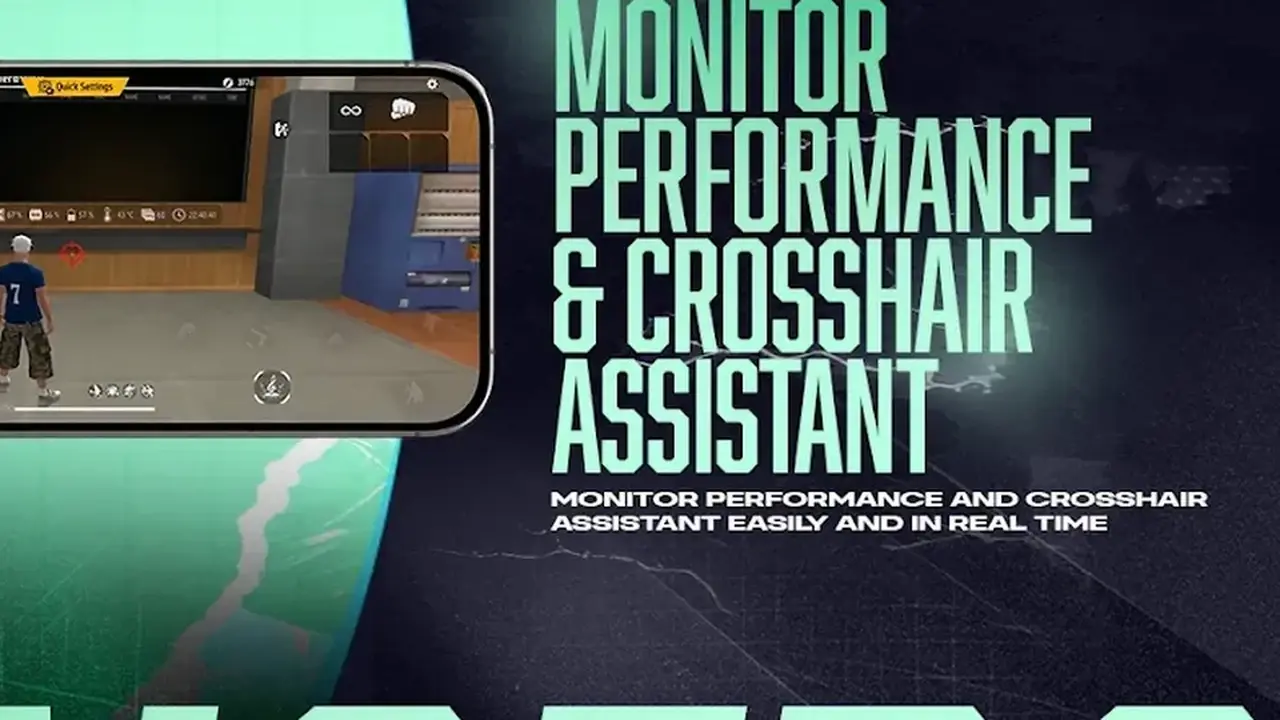 Guide Nebula Touch Update: What Is New The latest Nebula Touch update adds monitoring info, the crosshair assistant, and the credit system. This guide covers every change.
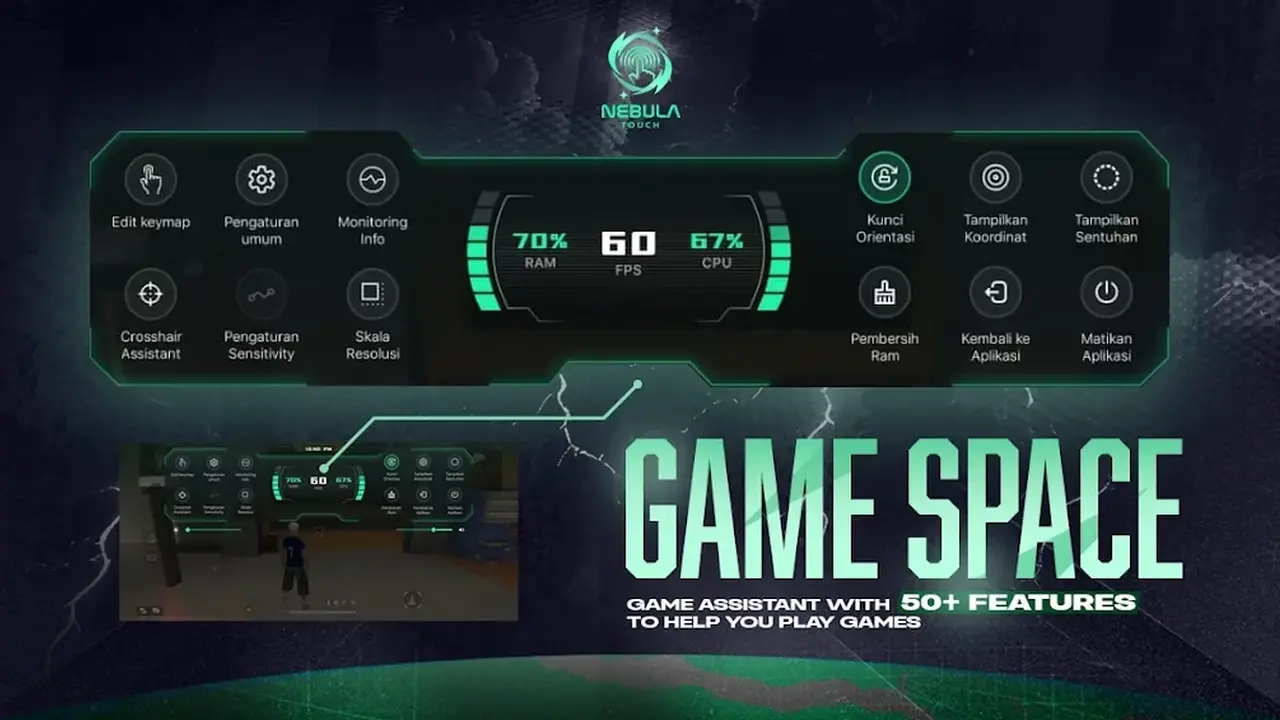 Guide Nebula Touch Game Mapping: One Profile Per Game Game specific mapping gives every game its own Nebula Touch profile. This guide explains mapping, switching, and per game tuning.
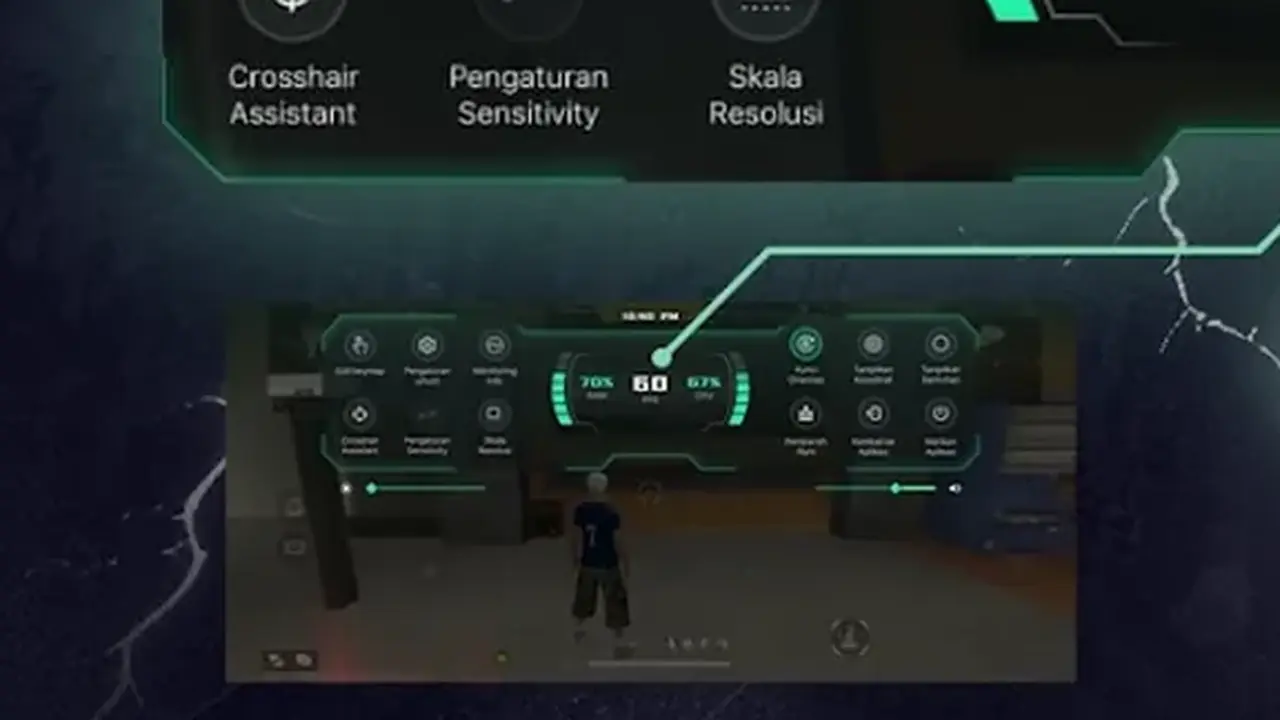 Guide Nebula Touch Multi Target Triggering: One Touch, More Than One Action Multi target triggering lets one touch drive more than one action in Nebula Touch. This guide explains the idea and how to set it up.
 Guide Nebula Touch Sensitivity Not Sticking: Fixes That Work Sensitivity values that reset or drift ruin aim. This guide fixes the common causes in Nebula Touch, step by step.
 Guide Nebula Touch Battery Optimisation: Keep the Tool Running Mid Match Android battery optimisation can silently close Nebula Touch mid match. This guide switches it off properly for the tool.
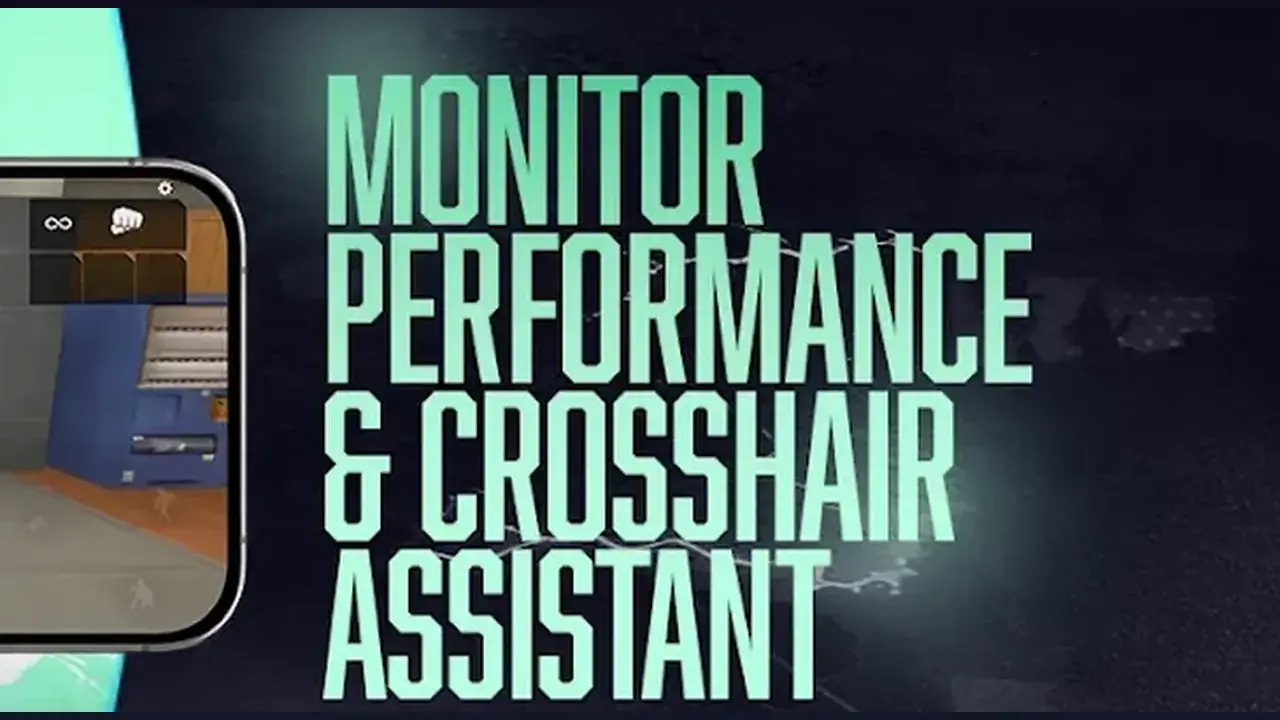 Guide Nebula Touch on Low End Phones: Performance and Limits Nebula Touch needs Android, but older and cheaper phones have their own limits. This guide sets honest expectations.
 Guide How to Install Nebula Touch APK on Android Installing Nebula Touch APK takes a few careful steps. This guide covers the file, the permissions, and the first run.
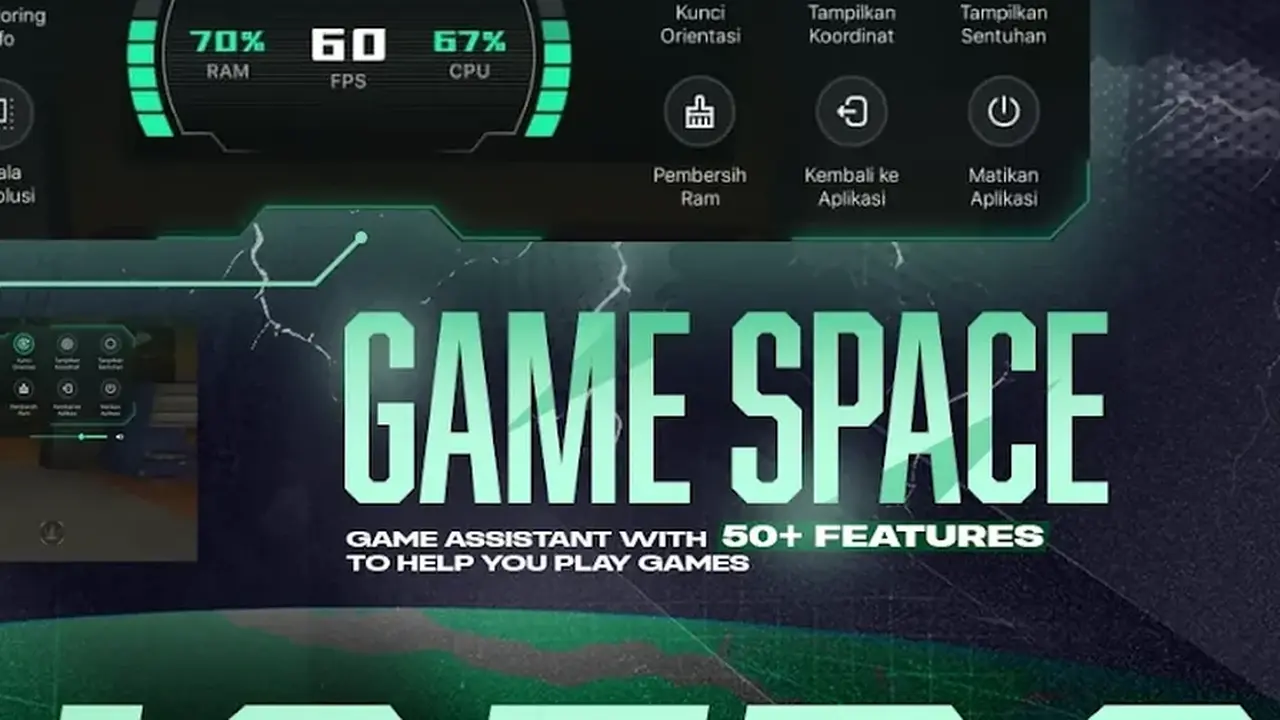 Guide Nebula Touch FPS Monitoring: Reading Frame Rate Like a Pro FPS is the first number in the Nebula Touch monitoring panel. This guide explains what frame rate means for aim and how to fix drops.
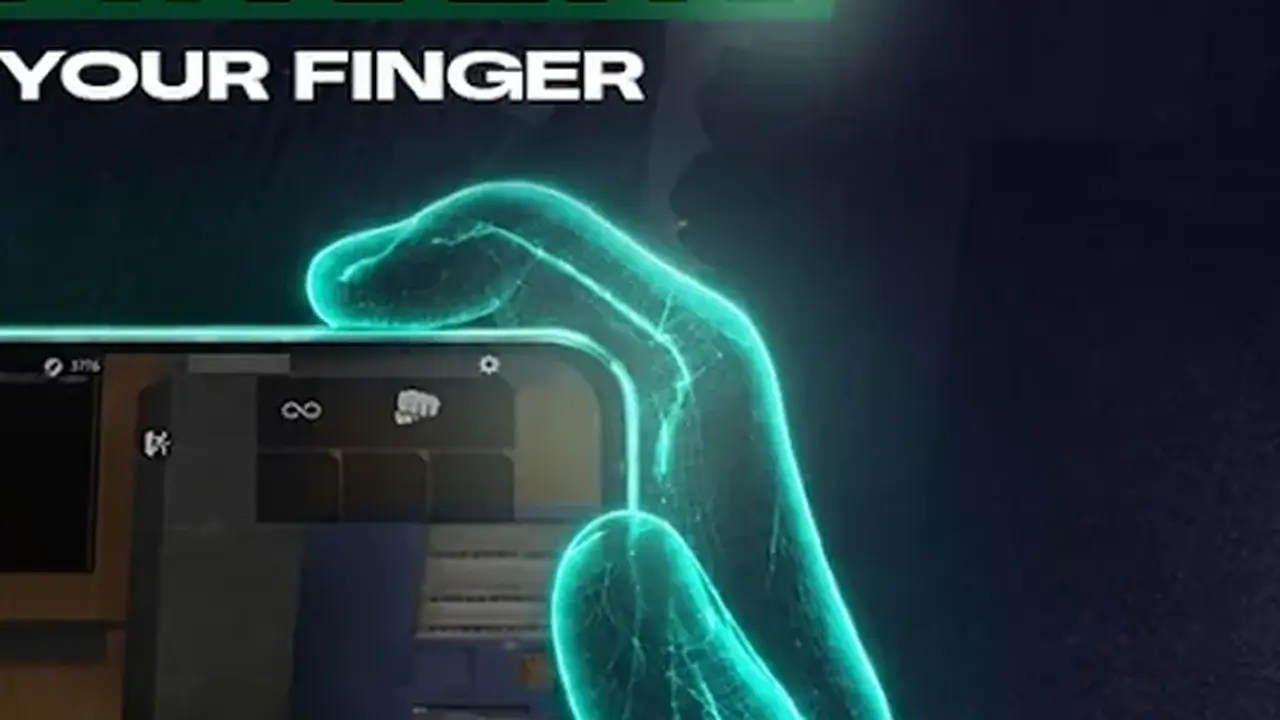 Guide Nebula Touch Ping and Temperature: Network and Heat Explained Ping and temperature share the Nebula Touch monitoring panel with FPS. This guide explains both numbers and what to do when they climb.
 Guide Nebula Touch Backup and Restore: Never Lose a Good Setup A good Nebula Touch setup is worth backing up. This guide covers export, safekeeping, and restore on a new phone.
 Guide Nebula Touch vs In Game Settings: What Each One Controls Nebula Touch and in game settings both shape aim, but they work at different levels. This guide explains the split and how to use both.
Guide Nebula Touch Sensitivity Guide: X and Y Scaling Explained Independent X and Y sensitivity is the core of Nebula Touch. This guide explains what each axis does and how to tune both. Guide Nebula Touch Profiles: Save, Export, and Import Your Setup Profiles are how Nebula Touch remembers your aim for each game. This guide covers creating, exporting, and importing them. Guide Nebula Touch Crosshair Assistant: A Consistent Aim Point The crosshair assistant in Nebula Touch keeps your aim point consistent across games. This guide covers setup, size, and when it helps most. Guide Nebula Touch Monitoring: FPS, Ping, and Temperature While You Play The monitoring panel in Nebula Touch shows FPS, ping, and temperature live. This guide explains each number and what to do about it. Guide Nebula Touch Macros: Record Once, Trigger With One Touch Macros in Nebula Touch turn a sequence of touches into one action. This guide covers recording, binding, and using them fairly. Guide Nebula Touch ADB and Shizuku Setup: Step by Step Some Nebula Touch features need ADB or Shizuku. This guide walks through the connection step by step, with no root required. Guide Nebula Touch Without Root: What Works and What Needs More Nebula Touch works without root. This guide explains what the no root design means, what works out of the box, and what ADB adds. Guide Nebula Touch Credits and VIP: How the Credit System Works Nebula Touch uses a credit system for advanced features, with VIP sensitivity points. This guide explains what credits do and what is free. Guide Nebula Touch Update: What Is New The latest Nebula Touch update adds monitoring info, the crosshair assistant, and the credit system. This guide covers every change. Guide Nebula Touch Game Mapping: One Profile Per Game Game specific mapping gives every game its own Nebula Touch profile. This guide explains mapping, switching, and per game tuning. Guide Nebula Touch Multi Target Triggering: One Touch, More Than One Action Multi target triggering lets one touch drive more than one action in Nebula Touch. This guide explains the idea and how to set it up. Guide Nebula Touch Sensitivity Not Sticking: Fixes That Work Sensitivity values that reset or drift ruin aim. This guide fixes the common causes in Nebula Touch, step by step. Guide Nebula Touch Battery Optimisation: Keep the Tool Running Mid Match Android battery optimisation can silently close Nebula Touch mid match. This guide switches it off properly for the tool. Guide Nebula Touch on Low End Phones: Performance and Limits Nebula Touch needs Android, but older and cheaper phones have their own limits. This guide sets honest expectations. Guide How to Install Nebula Touch APK on Android Installing Nebula Touch APK takes a few careful steps. This guide covers the file, the permissions, and the first run. Guide Nebula Touch FPS Monitoring: Reading Frame Rate Like a Pro FPS is the first number in the Nebula Touch monitoring panel. This guide explains what frame rate means for aim and how to fix drops. Guide Nebula Touch Ping and Temperature: Network and Heat Explained Ping and temperature share the Nebula Touch monitoring panel with FPS. This guide explains both numbers and what to do when they climb. Guide Nebula Touch Backup and Restore: Never Lose a Good Setup A good Nebula Touch setup is worth backing up. This guide covers export, safekeeping, and restore on a new phone. Guide Nebula Touch vs In Game Settings: What Each One Controls Nebula Touch and in game settings both shape aim, but they work at different levels. This guide explains the split and how to use both.