

Nebula Touch
Guide

Nebula Touch Macros: Record Once, Trigger With One Touch

Macros in Nebula Touch turn a sequence of touches into one action. This guide covers recording, binding, and using them fairly.

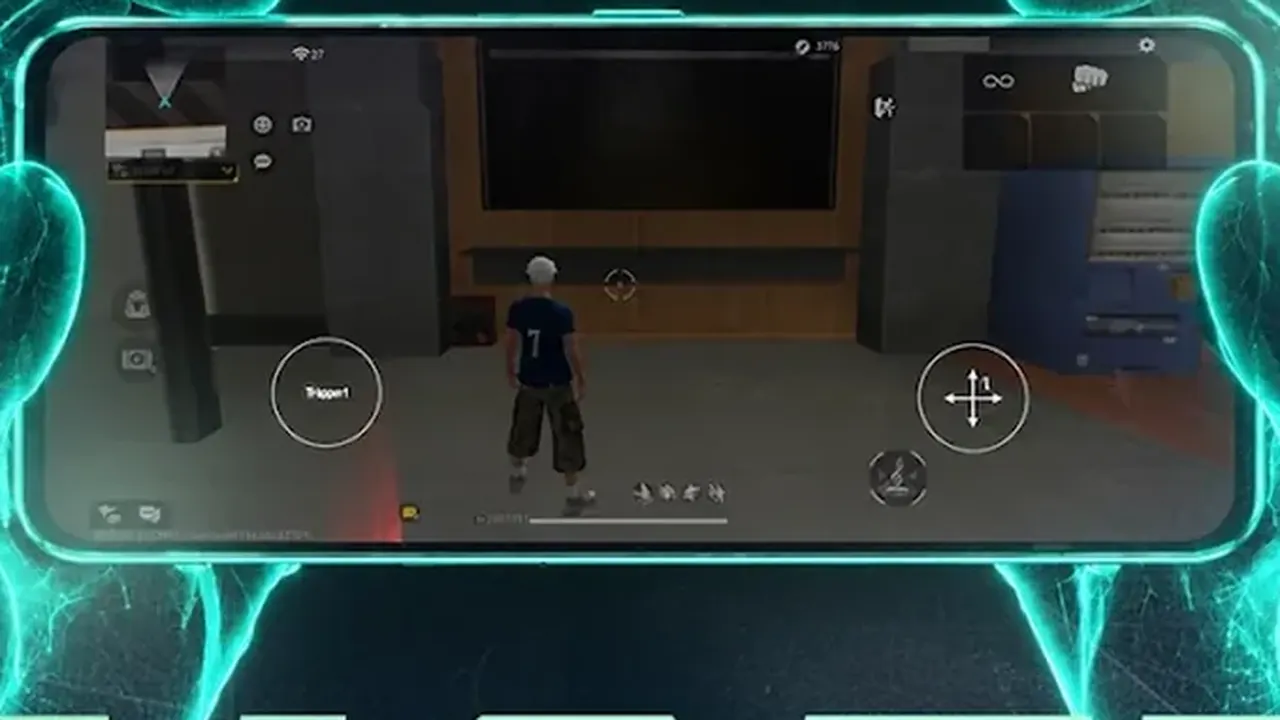
Close detail of a phone held in glowing hands, showing the Nebula Touch tap mode controls in a game

Macros in Nebula Touch APK record a sequence of touches and play it back from a single trigger. Record the sequence once, save it to a profile, and bind it to an action in game. The uses are practical: a repeated build pattern, a fixed movement routine, or a multi step action you perform the same way every match.

Record macros slowly and cleanly. A sloppy recording replays sloppily, and a macro recorded in a hurry will misfire under pressure. Test every macro in a practice match, and keep bindings on actions you can reach without looking: a macro you fumble for is slower than doing the steps by hand.

Macros live in profiles, so they travel with export and import, and they are per game through mapping. The profiles guide covers saving them, and the multi target guide explains the triggering system they build on.

Nebula Touch Questions

What is a macro in the tool?

A recorded sequence of touches that plays back from one trigger, saved inside a game profile.

Do macros work in every game?

They are configured per game through mapping, inside that game's profile.

Sophea Chan

Written by

Sophea Chan

Android Tools Reviewer

Sophea Chan covers Android tools and gaming utilities from Cambodia. She tests each tool on real phones, walking through every setting and profile option to check what it changes in a real match before it is written up.