What Is Nebula Touch?
Nebula Touch is a tool for players who want their aim to feel the same every match. It sits between your finger and the game, reading touch input and reshaping sensitivity before the game sees it. The developer is Henpeex Project, and the tool is listed in the Tools category on the Play Store.
The idea is simple: every game has its own default sensitivity, and every player has their own hand. Nebula Touch lets you set sensitivity per game, per axis, and save it as a profile, so switching games no longer means relearning your aim. It works without root, and it supports more than 50 features across sensitivity, macros, monitoring, and mapping.
Nebula Touch is free to install. Some features use a credit system, with VIP sensitivity points available for players who want the full set, and profiles can be exported and imported so a good setup can move between phones. Players searching for the nebula touch apk download will find the file link on the download page, which states the true link state rather than inventing one.
How Nebula Touch Works
Nebula Touch reads touch input at kernel level, which means it sees the raw signal from the screen before the game applies its own sensitivity curve. From there it applies your settings: independent scaling on the X and Y axes, so horizontal and vertical aim can be tuned separately, and multi target triggering, which lets one touch drive more than one action in the game.
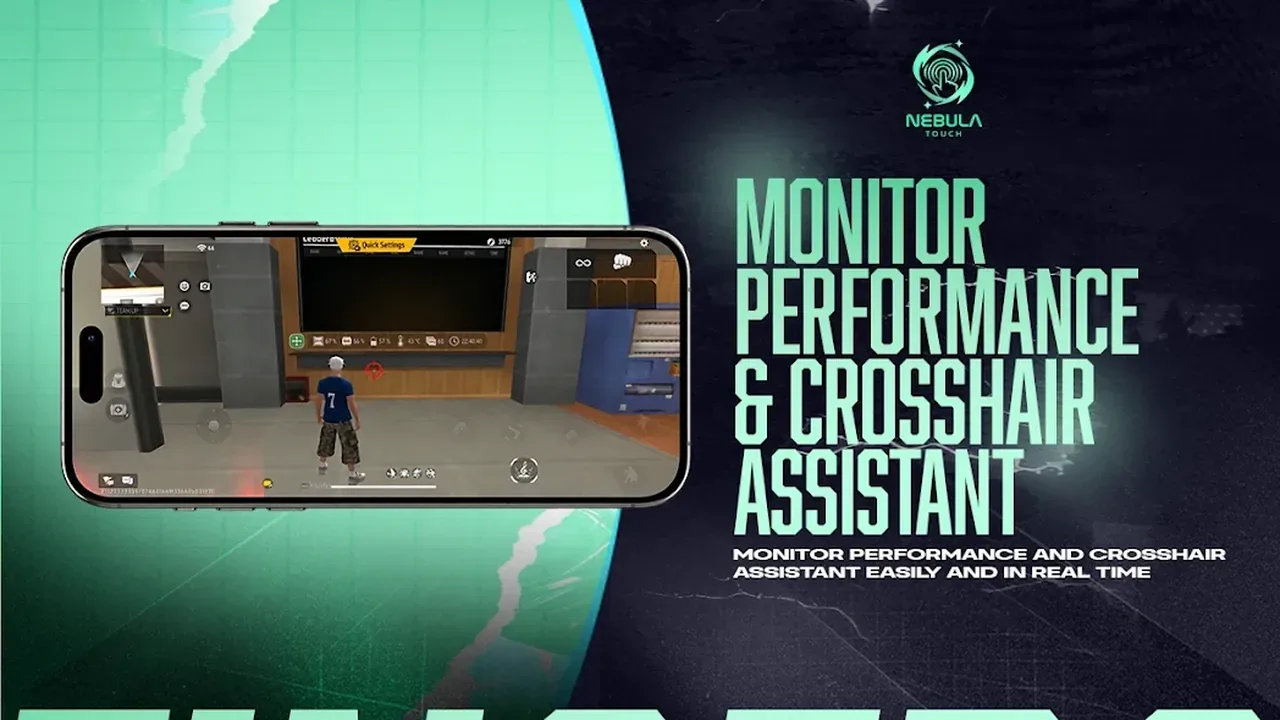
The tool does not replace the game. It changes how input reaches the game, and the game itself is untouched. Game specific mapping means each title gets its own profile, and the profile stays with that game until you change it. The monitoring panel runs alongside, showing FPS, ping, and temperature while you play, so you can see whether a bad match was aim or connection.
Because the reading happens at a low level, the tool needs the permissions it asks for during setup, and some features need an ADB or Shizuku connection. The setup screens walk through both, and nothing is hidden: each permission maps to a feature you can see working on screen.
The Main Features
Sensitivity is the core. Independent X and Y scaling, per game profiles, and stability improvements from the latest update mean a profile you set today still feels the same tomorrow. The credit system sits behind the more advanced sensitivity points, and VIP points unlock the deepest tuning for players who want it.
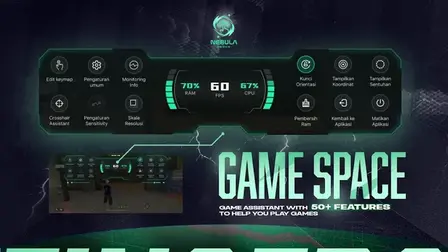
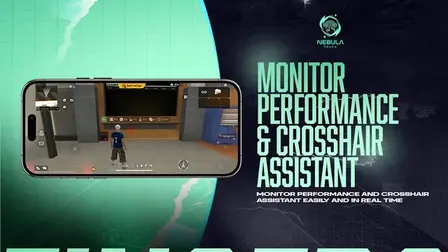
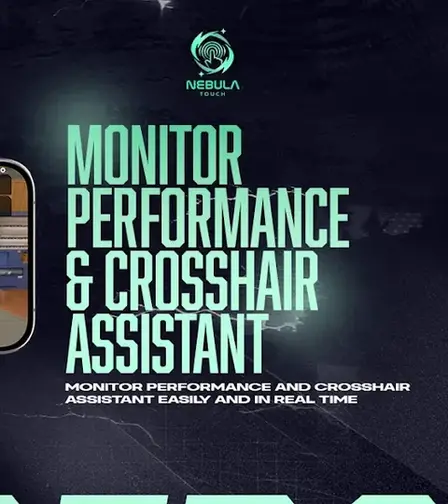
The crosshair assistant is the second pillar. It adds a custom crosshair overlay with its own controls, so your aim point stays consistent even in games where the built in crosshair changes size or disappears. The monitoring info feature, added in the latest update, puts FPS, ping, and temperature in the same panel, so performance and aim live in one place.
Macros round out the set. Record a sequence of touches, save it, and trigger it from a single action in game. Profiles, macros, and mappings can all be exported and shared, which makes it easy to back up a setup before a phone change or to load a setup that already works for your game.
Sensitivity and Profiles
A profile in the tool holds everything for one game: X and Y sensitivity, multi target triggers, macro bindings, and crosshair settings. Switching games switches profiles automatically once mapping is set, so there is no manual step before a match.
Export and import keep profiles portable. Export a profile to a file, keep it with your backups, and import it on a new phone to get the same feel without rebuilding every value by hand. If a profile ever feels wrong after an update, reset it to the defaults and rebuild one axis at a time, testing in a practice match before a ranked one.
Sensitivity stability was a focus of the latest update, and it shows in daily use: values hold between sessions, and the interface update makes the current profile visible at a glance, so you always know which game the tool is tuned for.
ADB and Shizuku
Some of the tool features need a deeper connection to the phone than a normal app permission allows. That is where ADB and Shizuku come in. ADB is the standard Android debug bridge, and Shizuku is a tool that lets apps use ADB level permissions without a computer attached every time.
Setup takes a few minutes: connect the phone to a computer once for the ADB step, or use Shizuku with wireless debugging on newer Android versions. The app walks through each step, and once the connection is live, the advanced features unlock. No root is needed at any point, and the connection survives normal use until the phone restarts, when it can be re enabled from the Shizuku app.
If you skip this step, the basic features still work. ADB and Shizuku only gate the deeper input features, so a new user can try the tool first and add the connection later.
System Requirements
The tool needs Android, and the listing covers recent Android releases; the exact minimum is in the APK Details table above. No root is required. The tool is rated Everyone on the Play Store, and it is listed as a free tool with optional credits and VIP sensitivity points.
Permissions matter more than hardware here. Grant the accessibility and overlay permissions the setup asks for, and keep the app running during play. Battery optimisation should be switched off for the tool, or the system may close it mid match and your profile will stop applying without warning.