
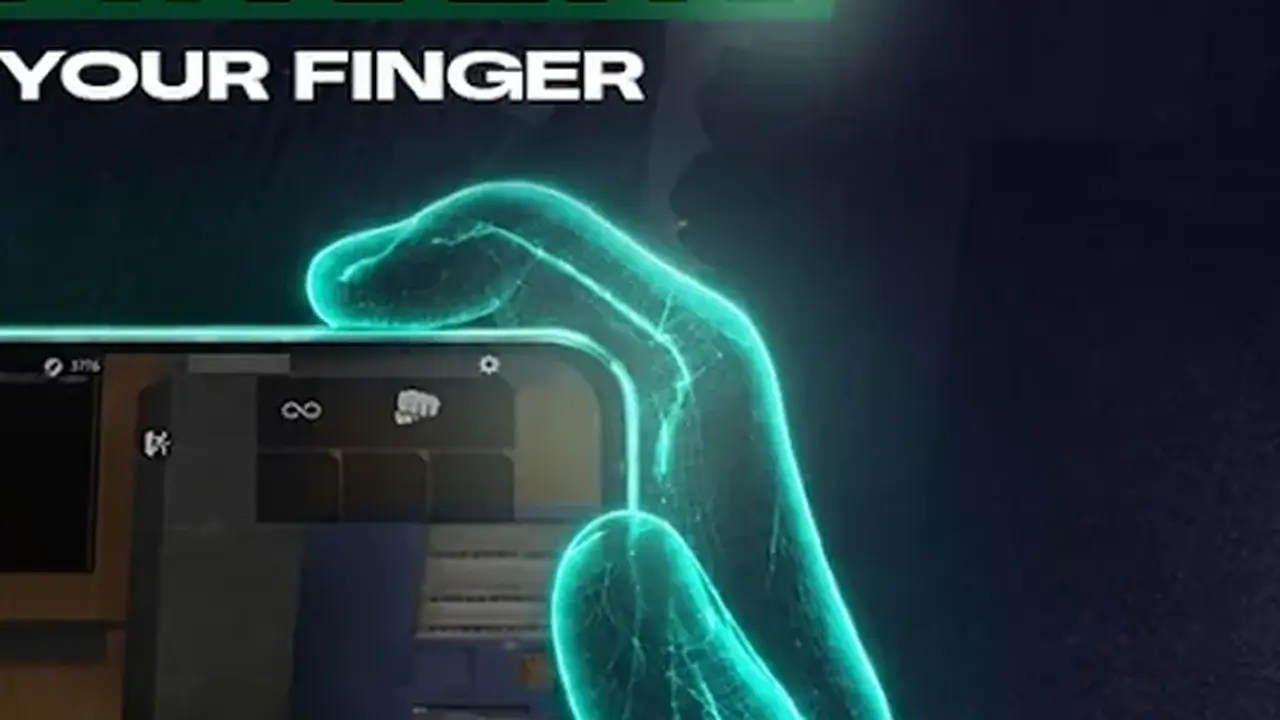

FPS in Nebula Touch download is the frames the game renders each second, shown live in the monitoring panel. High, steady FPS means smooth aim: the crosshair moves in small, even steps. Low or jumping FPS means the view stutters, and aim corrections land late, which feels exactly like wrong sensitivity but is not.
When FPS drops, check three things in order: heat, graphics settings, and background apps. Heat throttles the phone late in long sessions. Graphics settings set the load the phone carries. Background apps steal memory. The monitoring panel shows temperature beside FPS, so the heat link is visible on the same screen.
Use FPS as a diagnostic, then switch the panel off for ranked play on low end phones: the panel itself costs a little performance. The monitoring guide explains the full panel, and the ping guide covers the network side.