

Nebula Touch
Guide

Nebula Touch Ping and Temperature: Network and Heat Explained

Ping and temperature share the Nebula Touch monitoring panel with FPS. This guide explains both numbers and what to do when they climb.

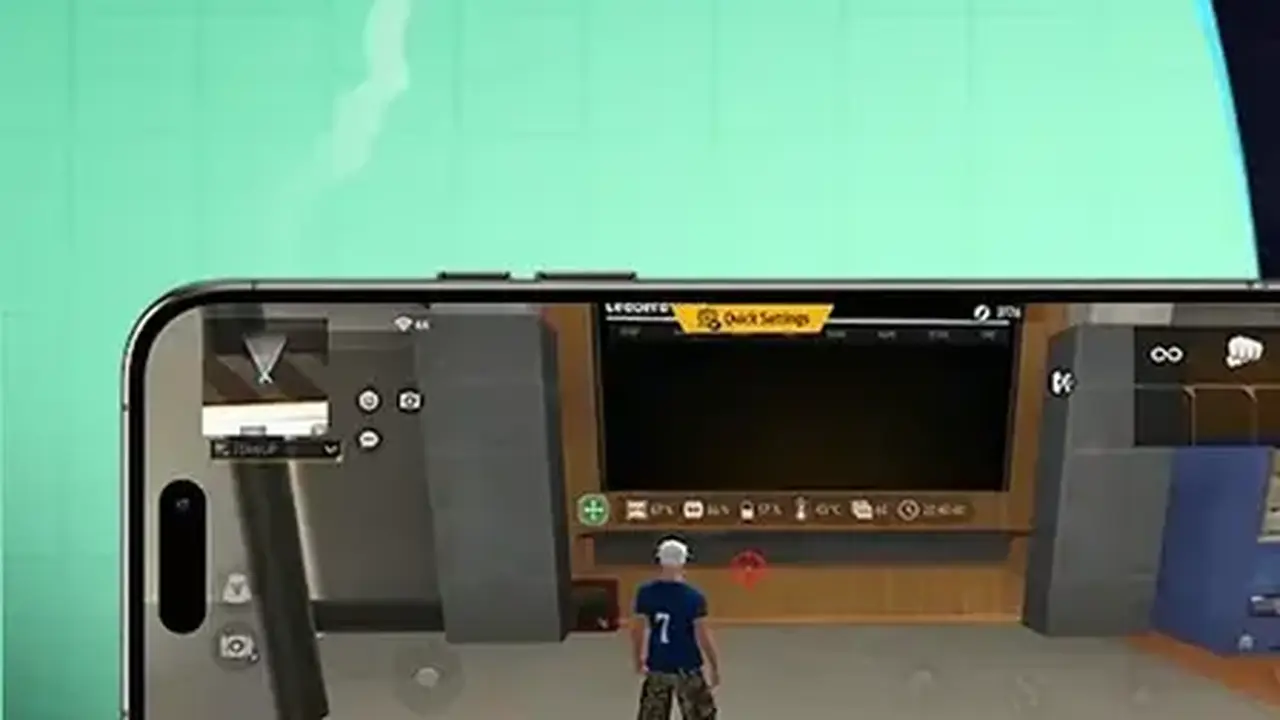
Close detail of the Nebula Touch monitoring panel on a phone

Ping in Nebula Touch tool is the time your actions take to reach the server, in milliseconds. Low ping means shots register when you fire them. High or jumping ping means delay, and no sensitivity setting fixes delay: if ping spikes at match start, the cause is connection, and the fix is network, not aim.

Temperature is the phone's own health number. As it climbs, the phone throttles to protect itself, FPS falls, and the game feels worse late in a session. The fix is a break, a cooler room, or a case removed, not a new profile. The panel shows both numbers together so the link is obvious.

Read the three numbers as a set: FPS for smoothness, ping for connection, temperature for heat. The monitoring guide explains the panel, and the FPS guide goes deeper on frame rate.

Nebula Touch Questions

What ping is good?

Lower is better, and steadiness matters more than one good reading. Spikes, not averages, ruin matches.

Why does the phone get hot?

Games load the processor hard. Heat throttles performance, which the temperature readout shows live.

Sophea Chan

Written by

Sophea Chan

Android Tools Reviewer

Sophea Chan covers Android tools and gaming utilities from Cambodia. She tests each tool on real phones, walking through every setting and profile option to check what it changes in a real match before it is written up.