
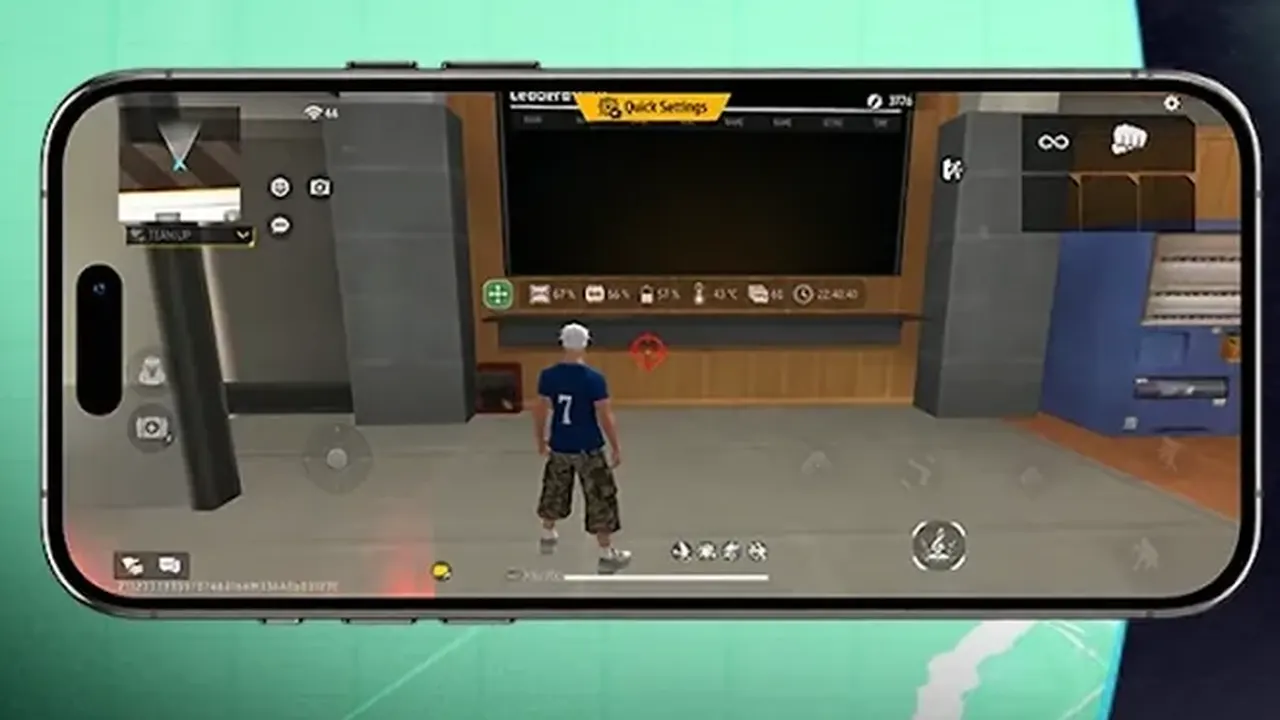

The crosshair assistant in Nebula Touch for Android adds a custom crosshair overlay that stays consistent while you play. Games change their built in crosshair: it grows, shrinks, or disappears with movement and firing. The overlay does not change, so your aim point is the same in every moment of a match.
Setup is short: open the crosshair controls in the monitoring panel, pick a style and size that stays visible against every map background, and set its position once. Test it in a practice match before a ranked one, because a crosshair that distracts is worse than none. Small and high contrast beats large and fancy.
The assistant lives in the same panel as monitoring, so FPS, ping, and temperature sit beside the crosshair controls. The monitoring guide explains the stats, and the setup guide covers the first run.