
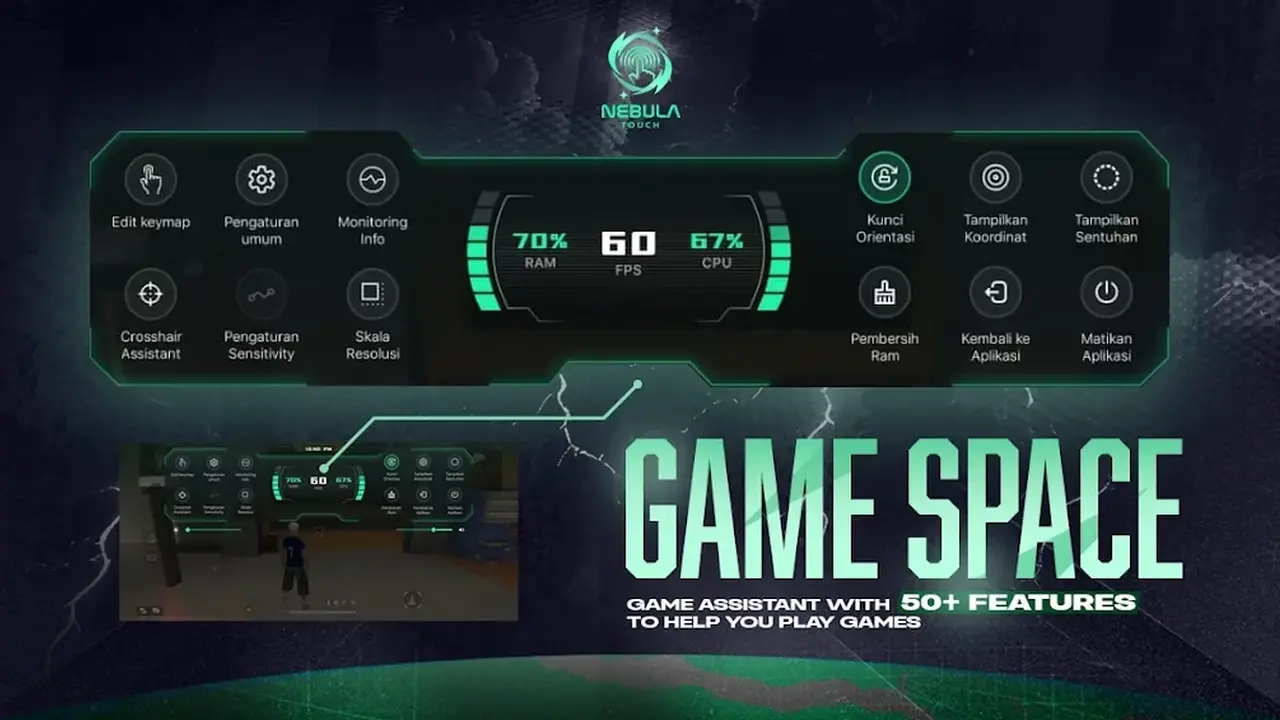

The latest Nebula Touch APK download update is the one that made the tool feel complete. The headline additions are the monitoring info feature, showing FPS, ping, and temperature live, and the crosshair assistant, adding a consistent aim point overlay. Both live in one panel, so performance and aim are checked in the same place.
Underneath, the update brings an interface refresh, sensitivity stability improvements, and the credit system with VIP sensitivity points. Sensitivity values hold more reliably between sessions, the current profile is visible at a glance, and fixes for certain devices smooth out behaviour on phones that had trouble before.
If you are updating from an older version, re check your profiles after install: values should carry over, but one practice match confirms it. The stability guide covers any value that does not stick, and the monitoring guide explains the new panel.