

Nebula Touch
Guide

Nebula Touch Credits and VIP: How the Credit System Works

Nebula Touch uses a credit system for advanced features, with VIP sensitivity points. This guide explains what credits do and what is free.

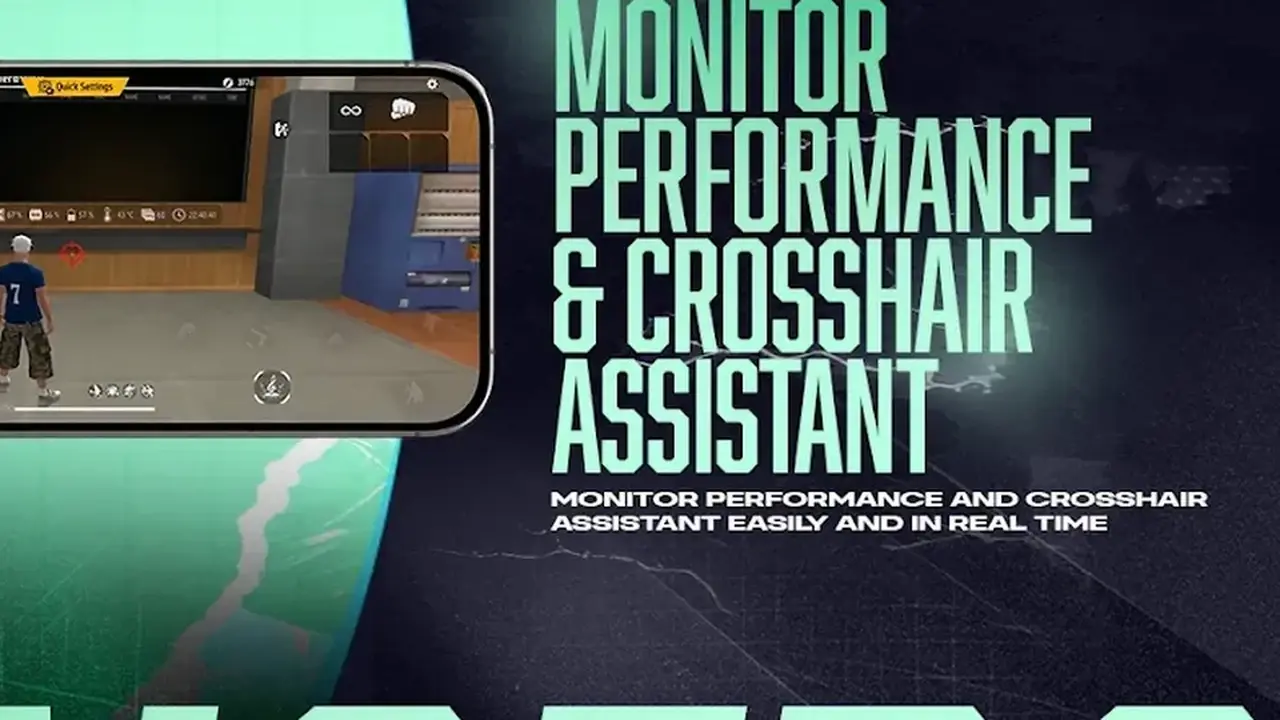
Detail of the Monitor Performance headline and the phone from the Nebula Touch listing art

The credit system in Nebula Touch for Android gates the advanced sensitivity features. Basic profiles, monitoring, and the crosshair assistant work without credits, and the credit system, added in the latest update, covers the deeper tuning: the full sensitivity point range and VIP sensitivity points for players who want the finest control.

Treat credits as a tool budget. Spend them on the game you play most, and only after the free features feel settled: a profile that is wrong at default values will not be fixed by finer controls. Build the base first, then spend credits refining the one axis that still feels off.

Nothing in the credit system changes the game itself or touches game files. Credits apply to the tool's own settings. The sensitivity guide explains what the finer controls actually change, and the update guide covers when the system arrived.

Nebula Touch Questions

Is the tool free?

Free to install, with basic features free. Advanced sensitivity features use the credit system, with VIP points for the deepest tuning.

What do credits unlock?

The deeper sensitivity tuning, including the full point range and VIP sensitivity points.

Sophea Chan

Written by

Sophea Chan

Android Tools Reviewer

Sophea Chan covers Android tools and gaming utilities from Cambodia. She tests each tool on real phones, walking through every setting and profile option to check what it changes in a real match before it is written up.