
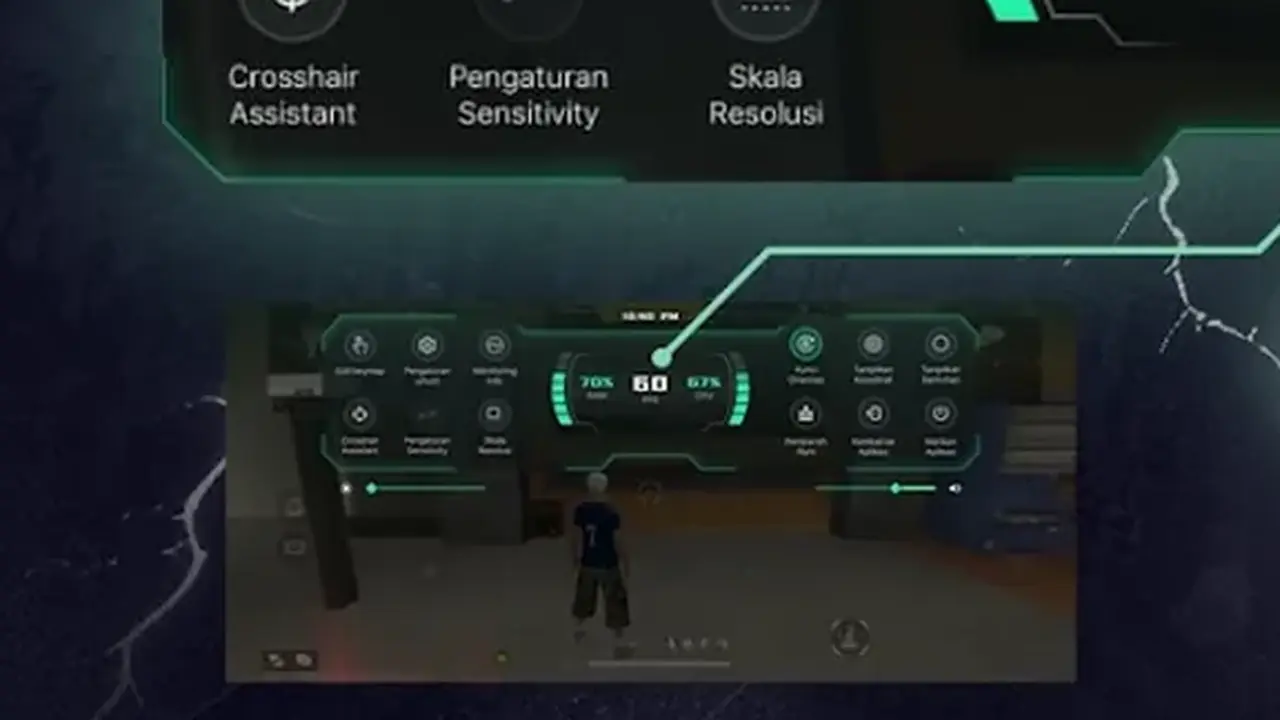

Mapping in Nebula Touch APK ties a profile to a game. Map a title once, and the tool applies that game's profile whenever the game runs, with no manual switch before a match. Play two games with different sensitivity needs, and each keeps its own feel.
Set mapping up game by game, not all at once. Map the game you play most, tune it over a few matches, and only then map the next. A profile tuned in a hurry for five games teaches you nothing about any of them, and the automatic switching hides mistakes until a ranked match exposes them.
If a game is not recognised, check the mapping screen inside the app: the listing does not publish a fixed list of supported titles, so the app itself is the source of truth. The profiles guide covers what a profile holds, and the sensitivity guide covers tuning each one.